✦ NORTHSTARDiscovery
WELCOME, ALEXBetter work
starts here.Meet the team behind the product.
starts here.Meet the team behind the product.
▶ Founder introduction↗ What we’ll cover
Founder demoNorthstar
/founder-demoFOR DISCOVERY CALLS & DEMOS
Lobbi is a branded waiting room for video calls: guests open one reusable link, see your brand and a personal welcome, then join your Google Meet, Zoom, or Microsoft Teams call when you admit them. It is not a website traffic queue and not a chatbot.
Free plan available
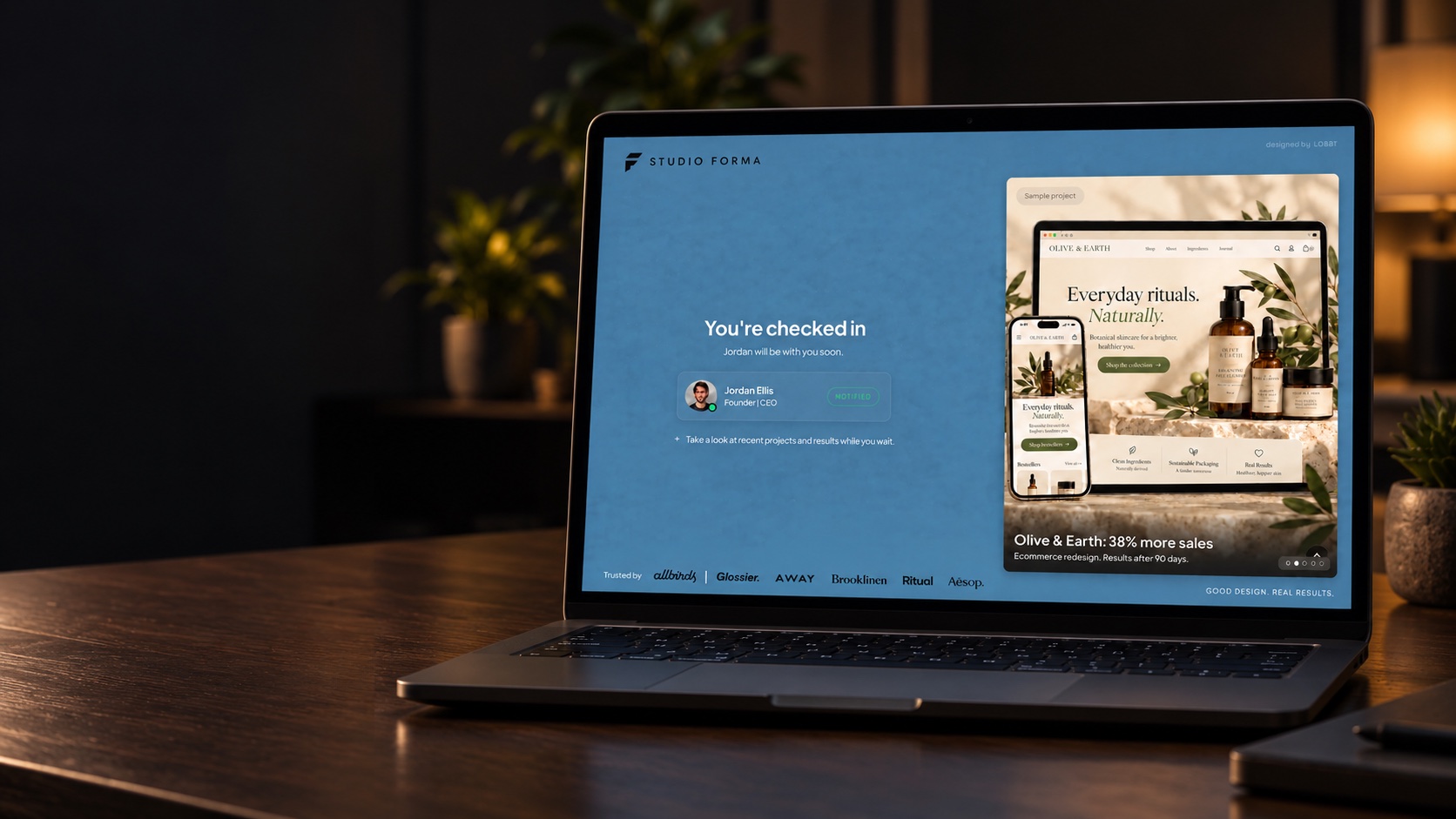
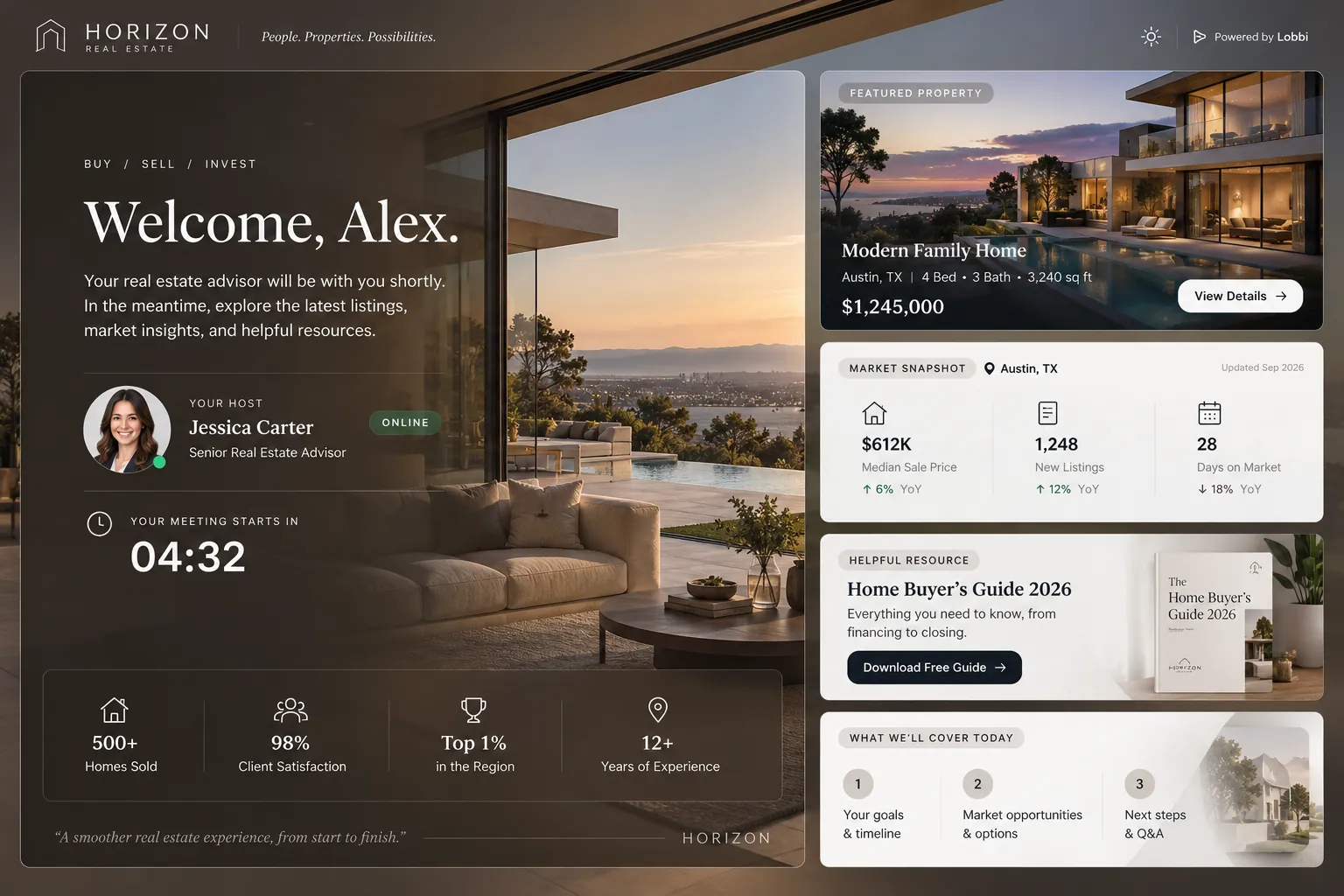
Replace the generic waiting screen with your brand, a welcome, and content your guest can explore.
THE WHOLE JOURNEY
Here’s what happens for you and your guest.
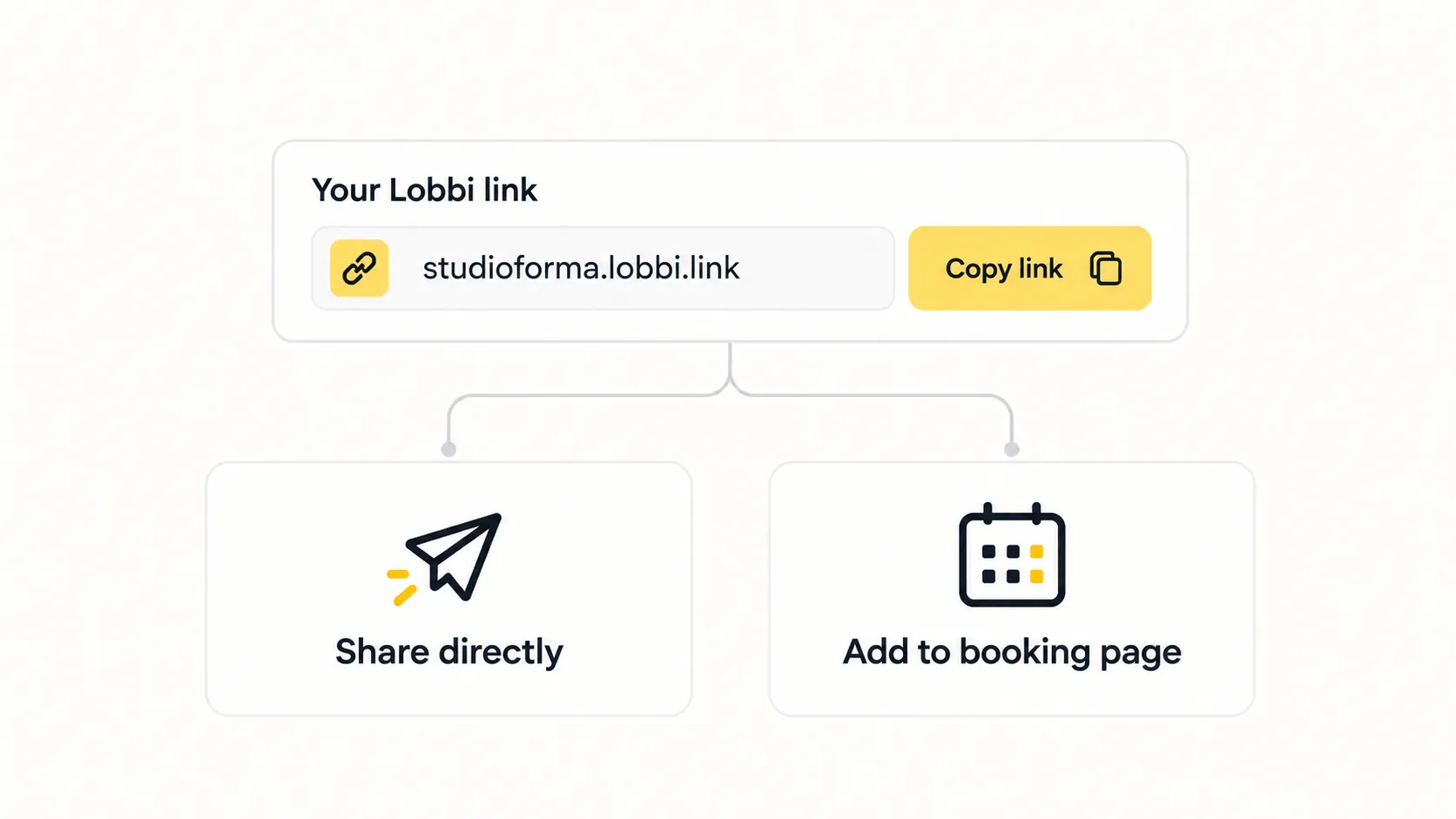
Send it directly or add it to your booking app. One link works for unlimited meetings.


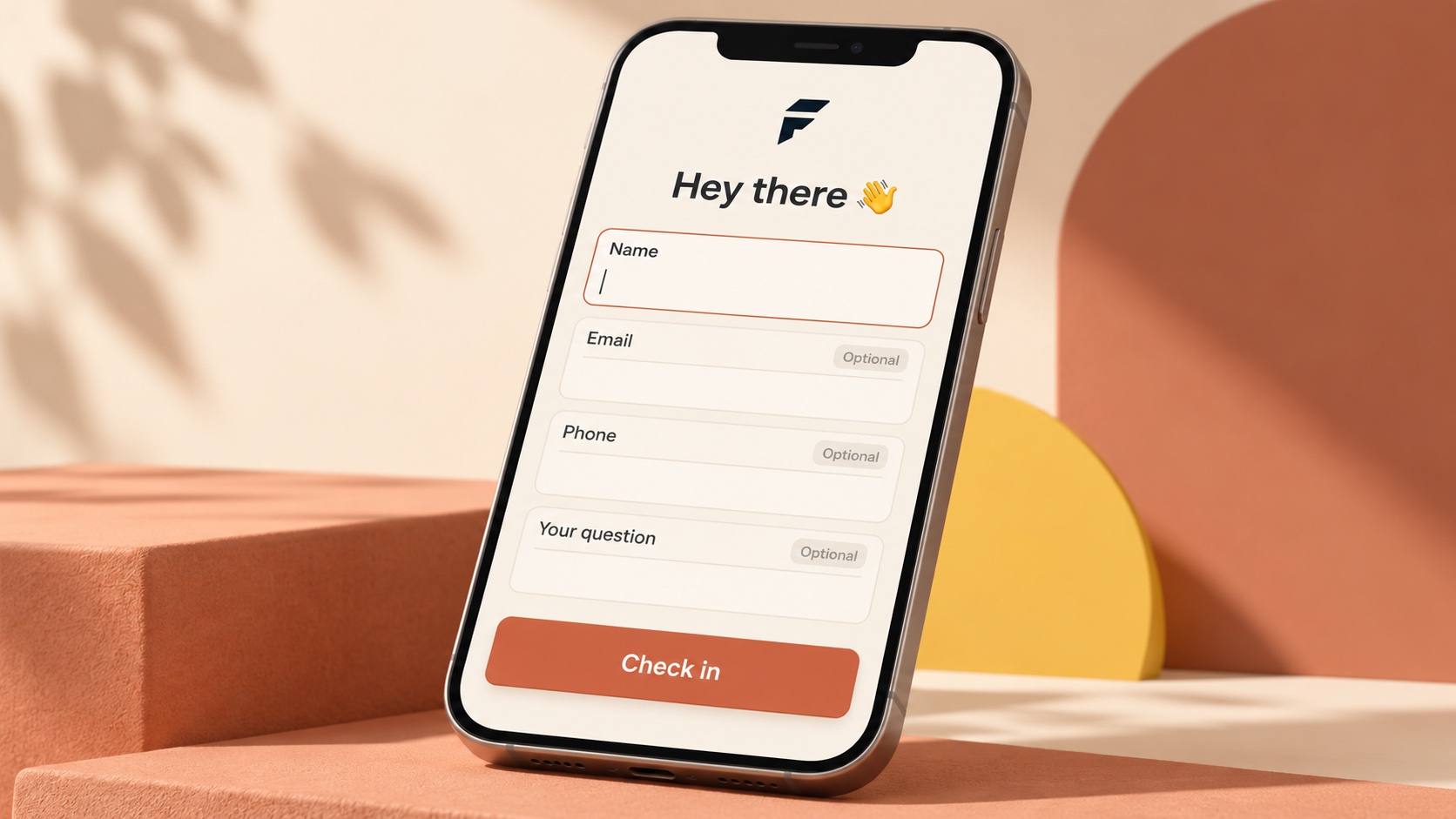
Collect a name, email, phone number, or answer to your own question. Skip check-in if you don’t need it.
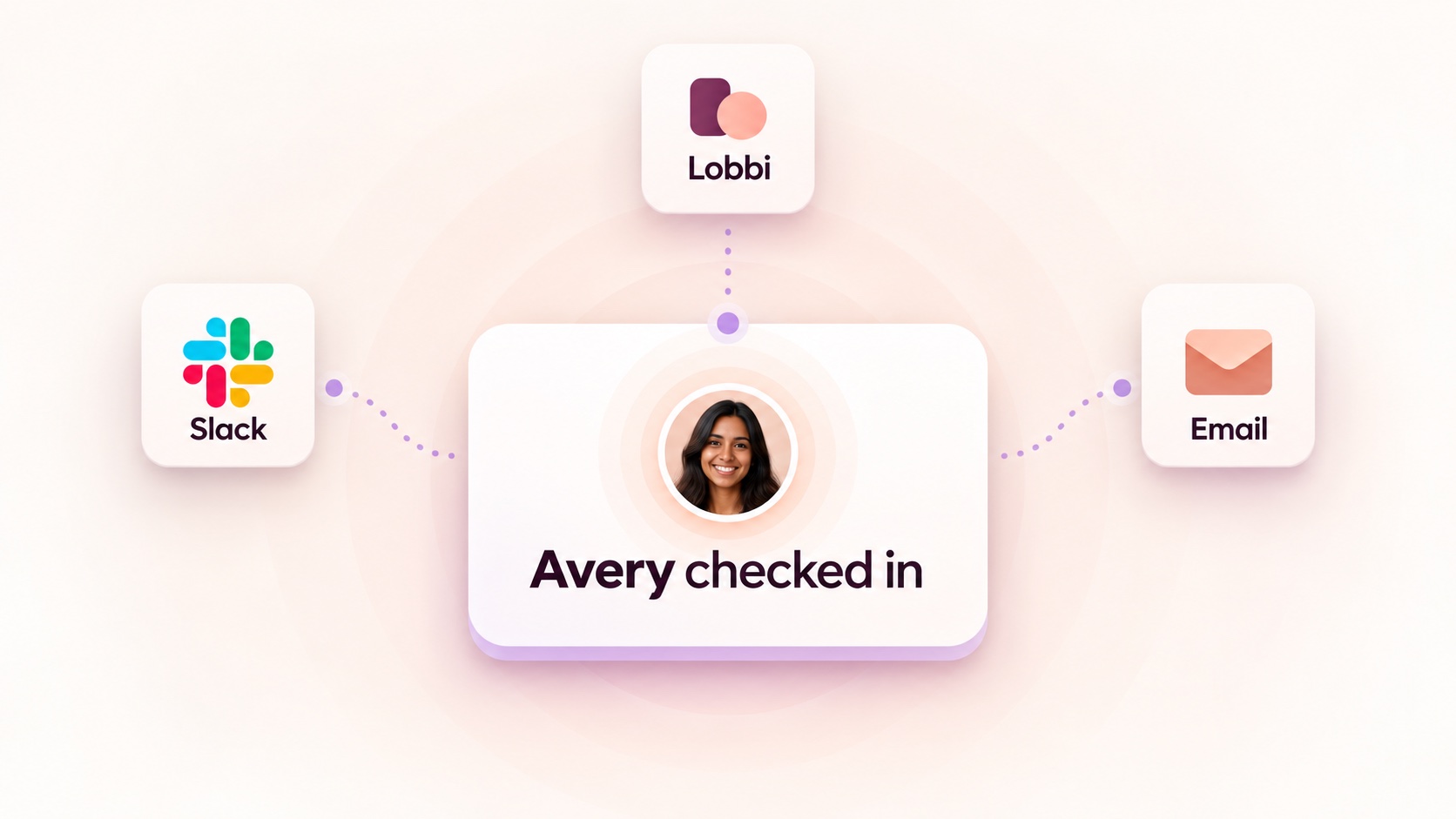
When your guest checks in, you get a notification in Lobbi, Slack, or email.
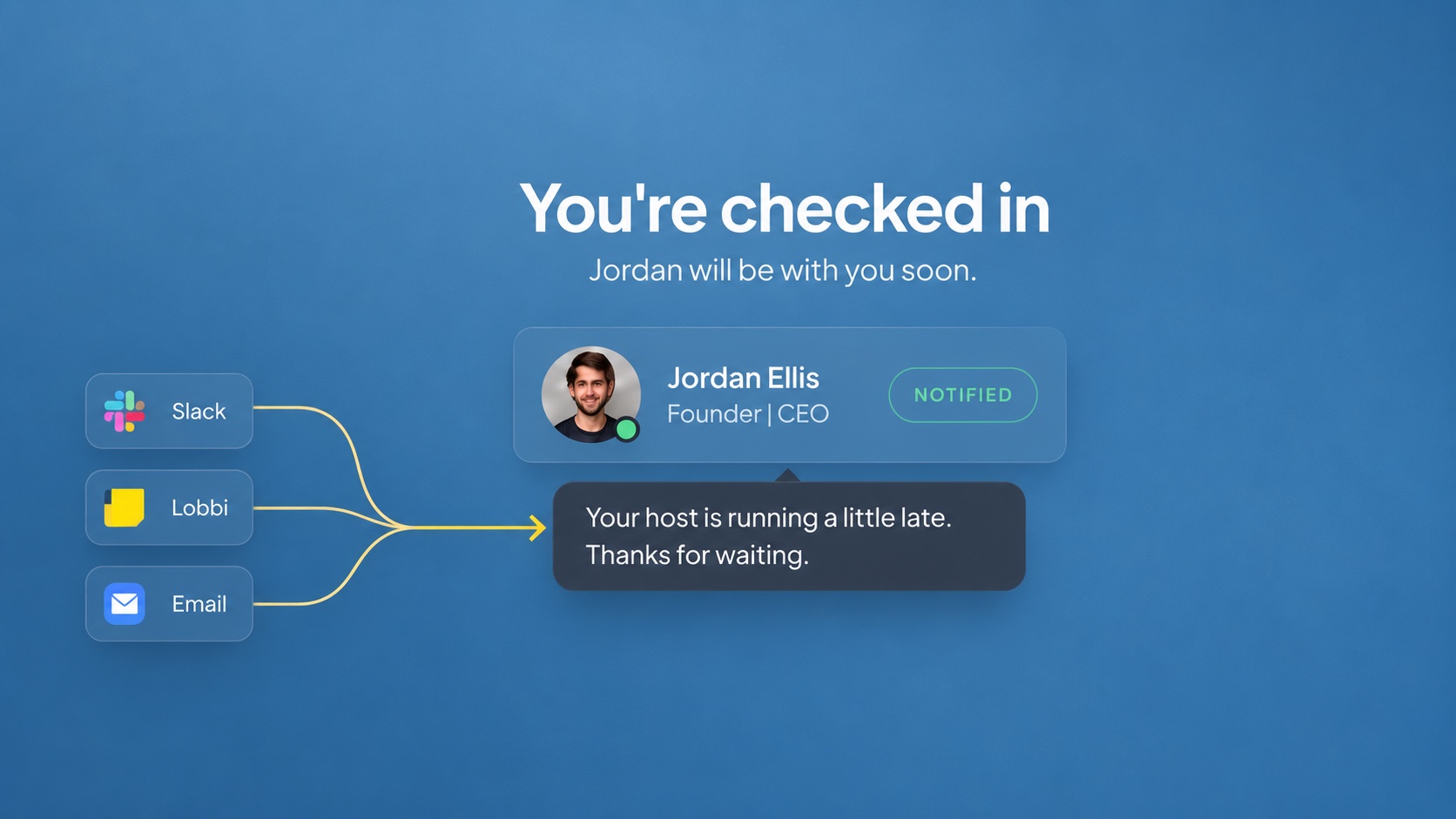
Running late? Send a quick note from Lobbi, Slack, or email. Your guest sees it in the room.
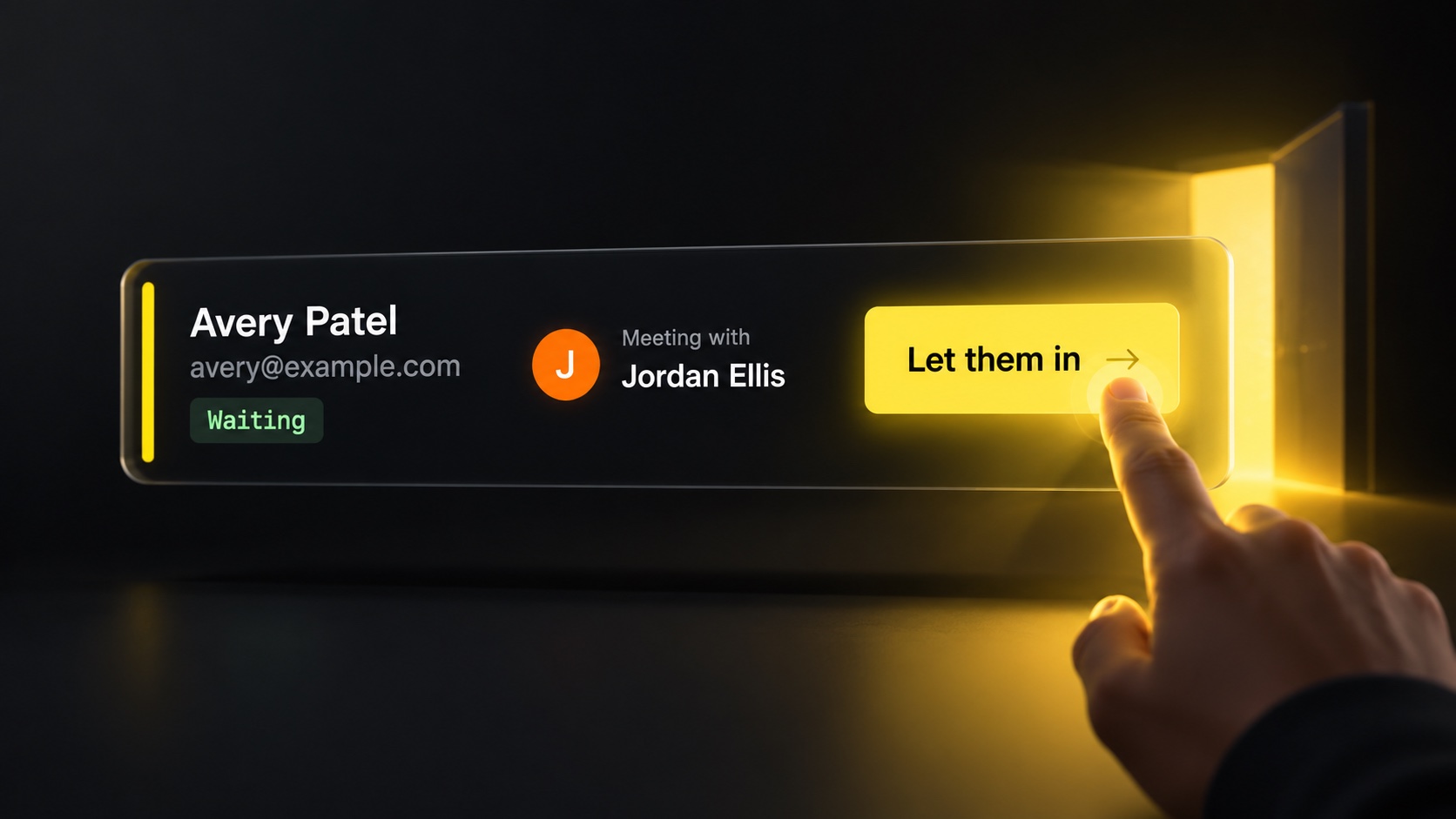
See who’s waiting and admit your guest with one tap.
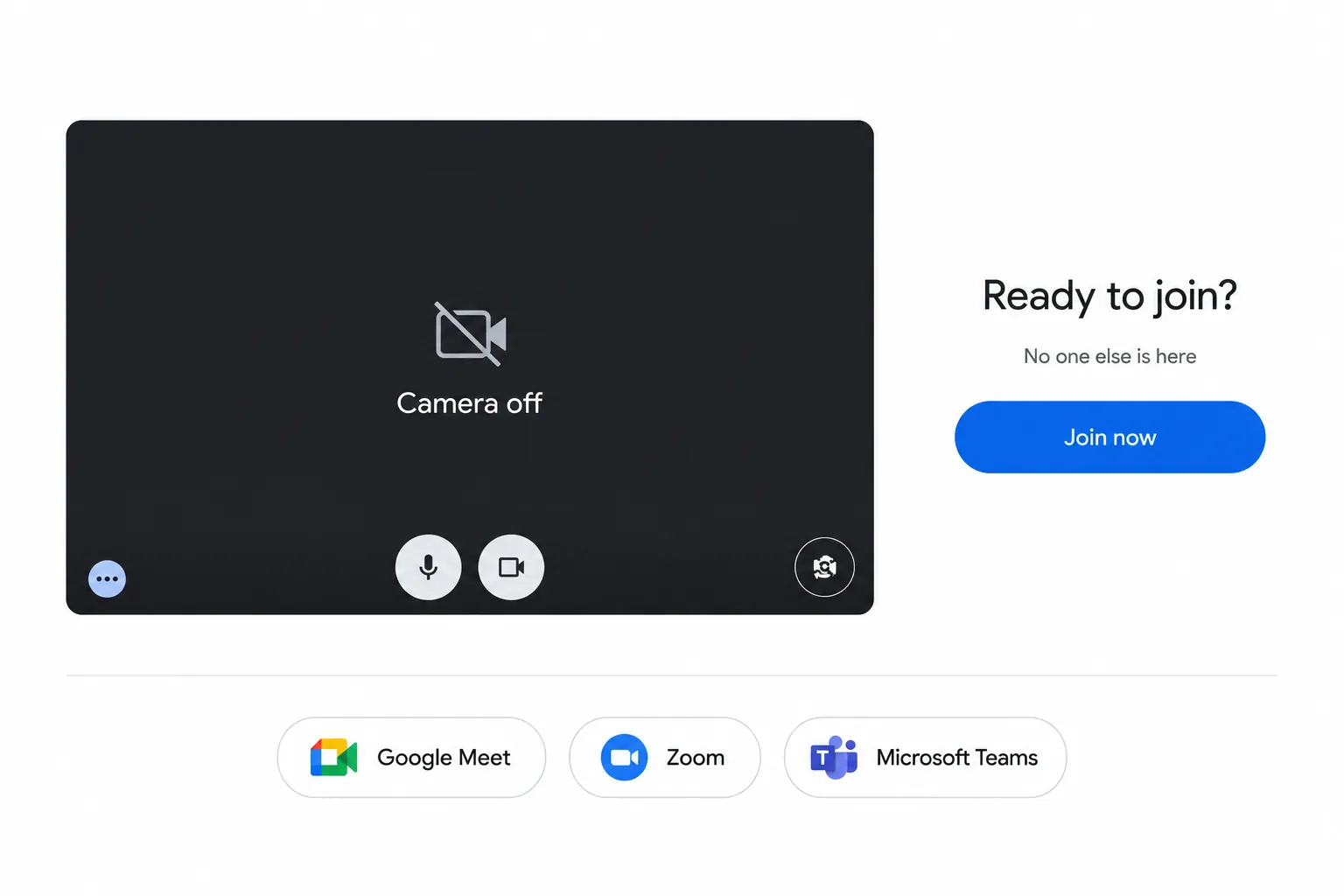
Works with Google Meet, Zoom, and Microsoft Teams. Meet is automatic today; Zoom and Teams use your own meeting link.
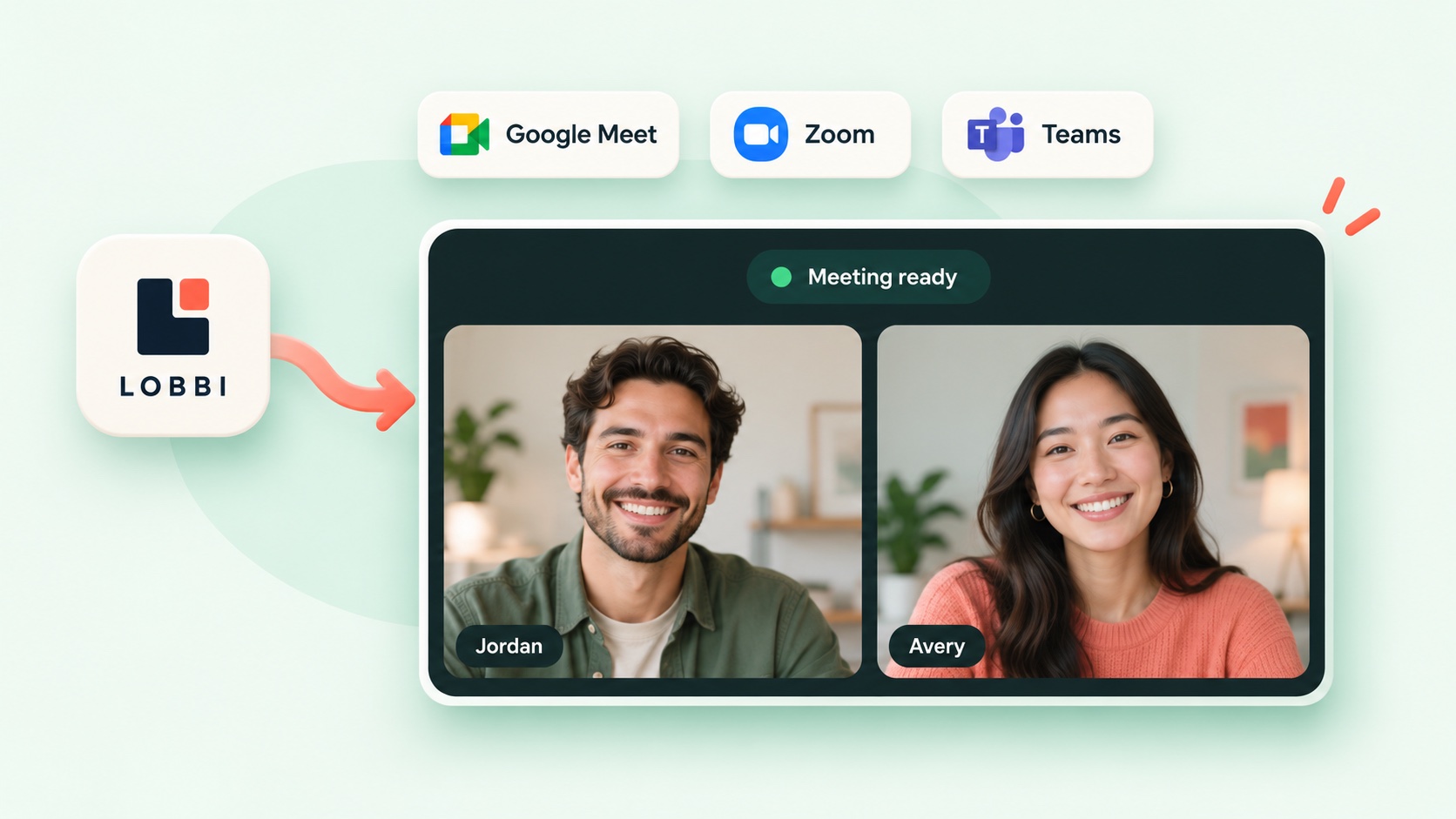
AI waiting room design
Paste in your website URL and Lobbi’s AI pulls in your logo, colors, imagery, and messaging to build four branded room designs for you. Choose one, make any quick tweaks, and share your link—no setup from scratch.
Create a distinct room for each call type, client, or brand. Each one gets its own reusable link.
From founders and sales teams to consultants and agencies, shape every room around your business.
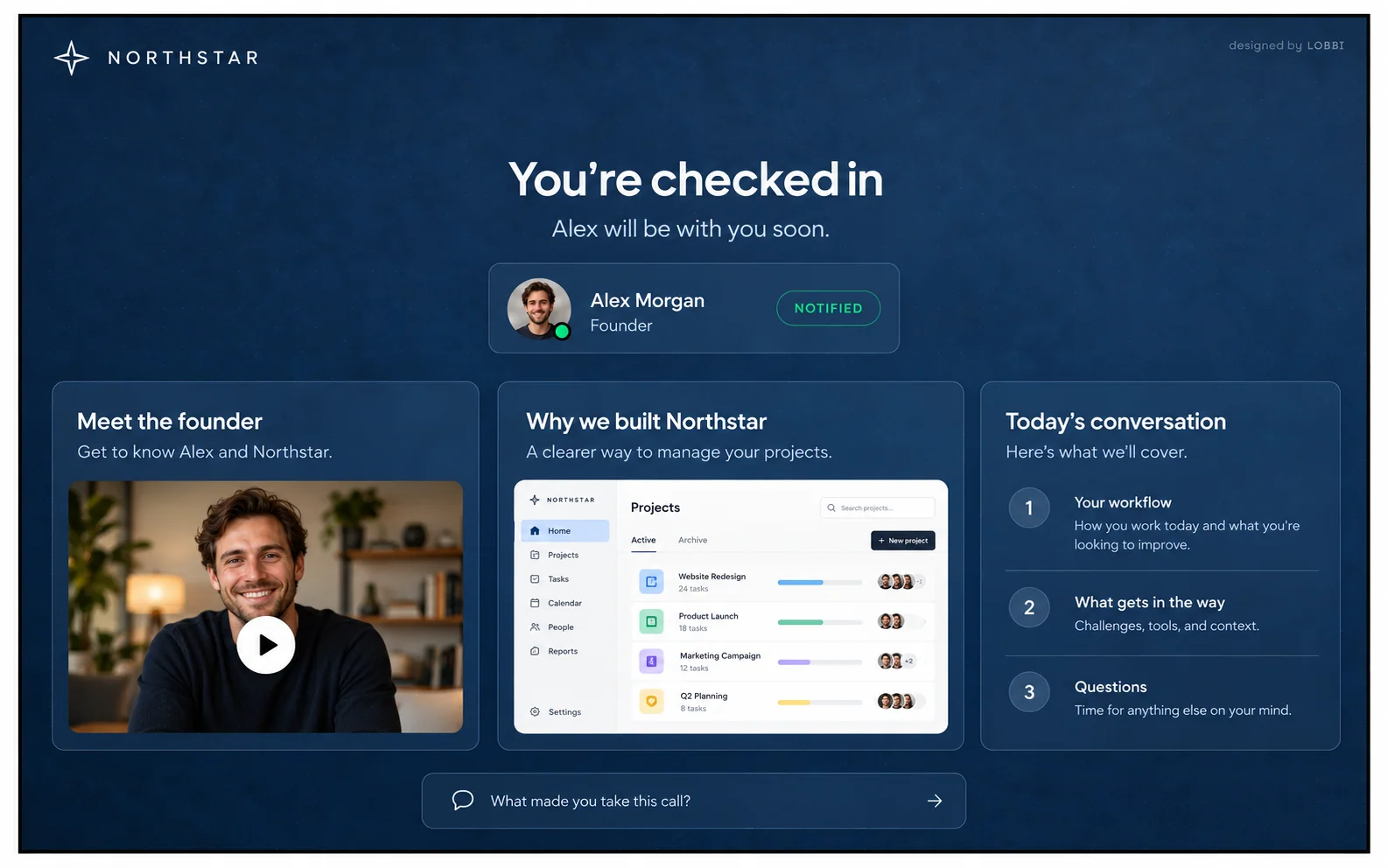
Before a discovery call
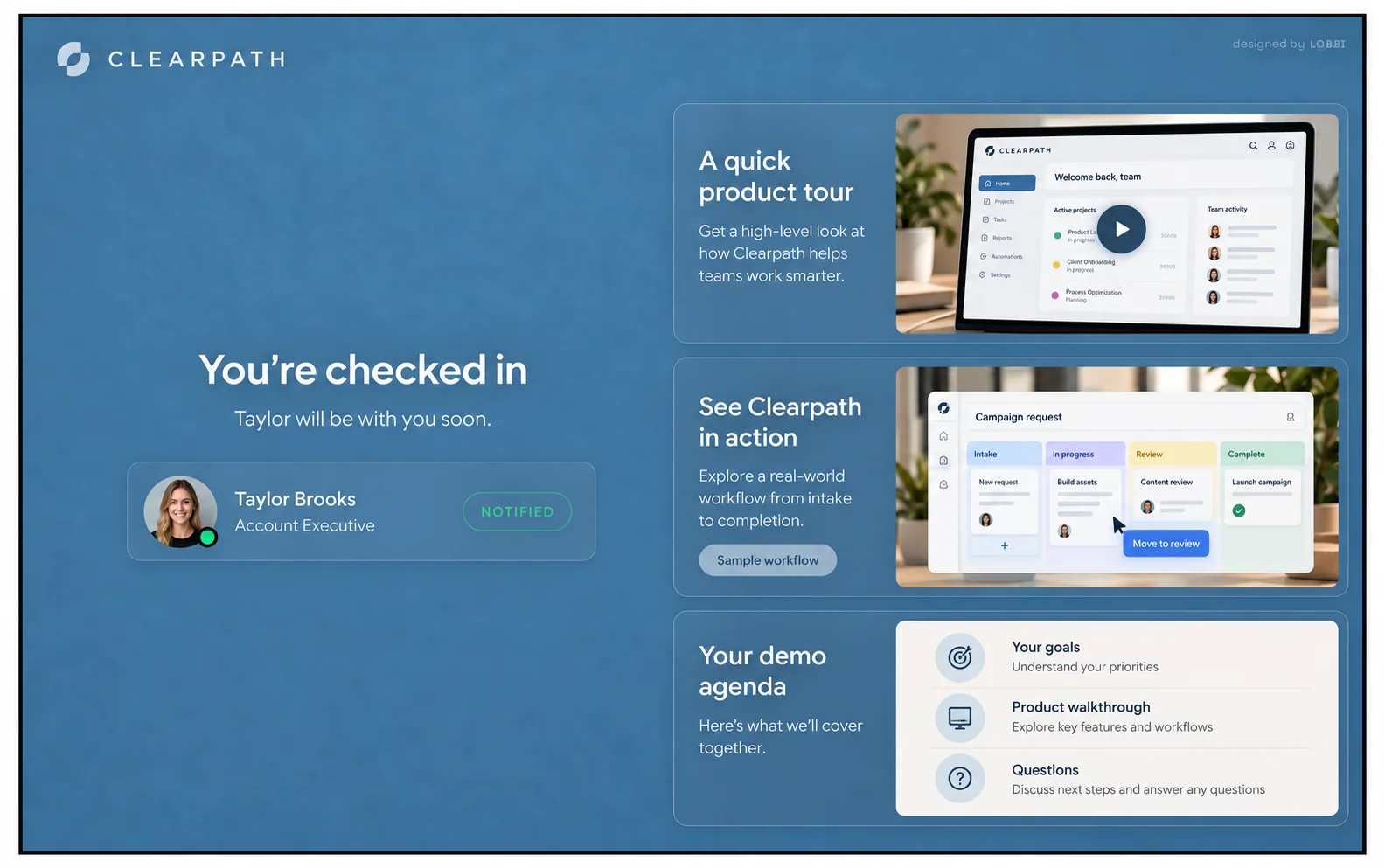
Before a product demo
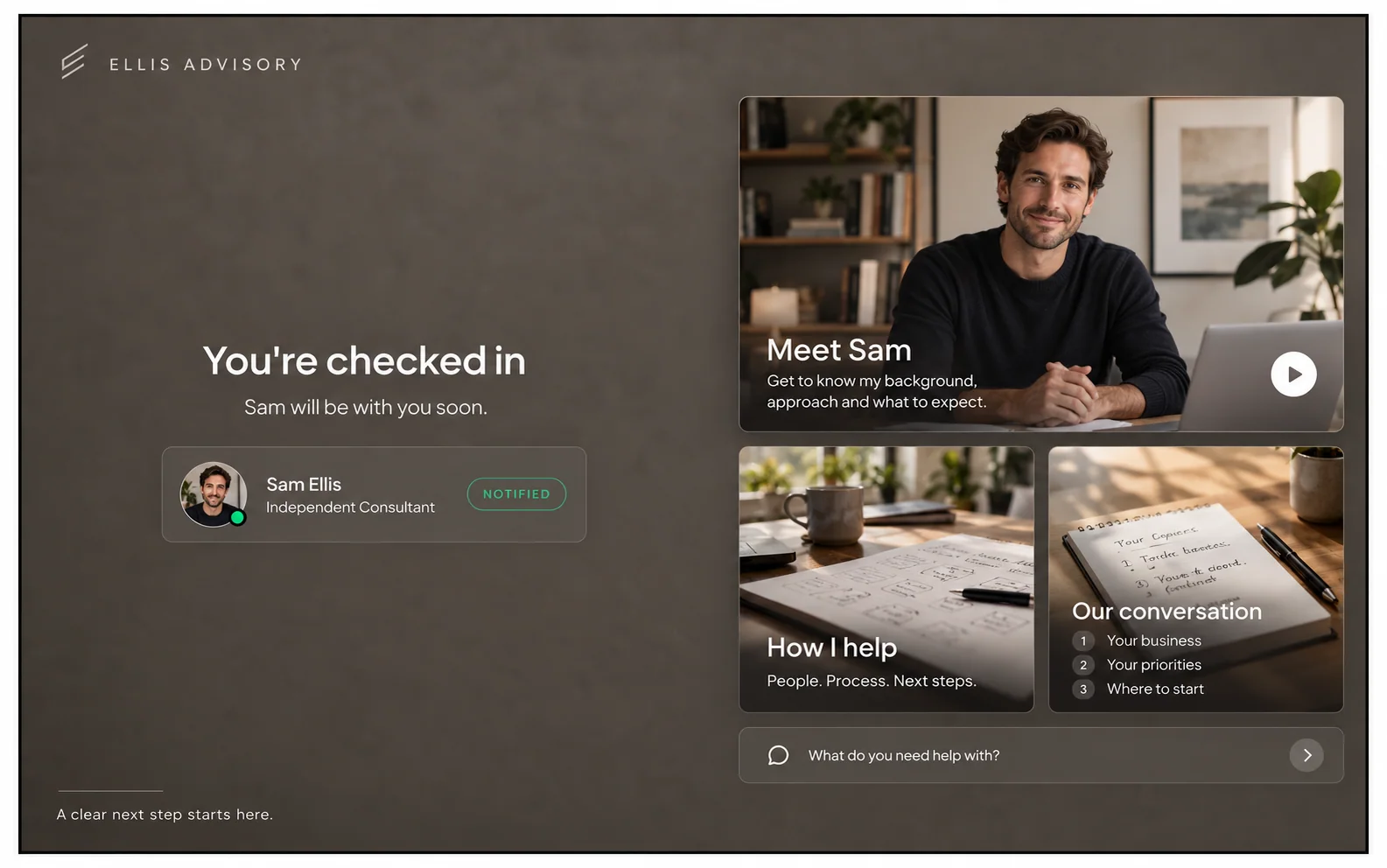
Before a discovery call
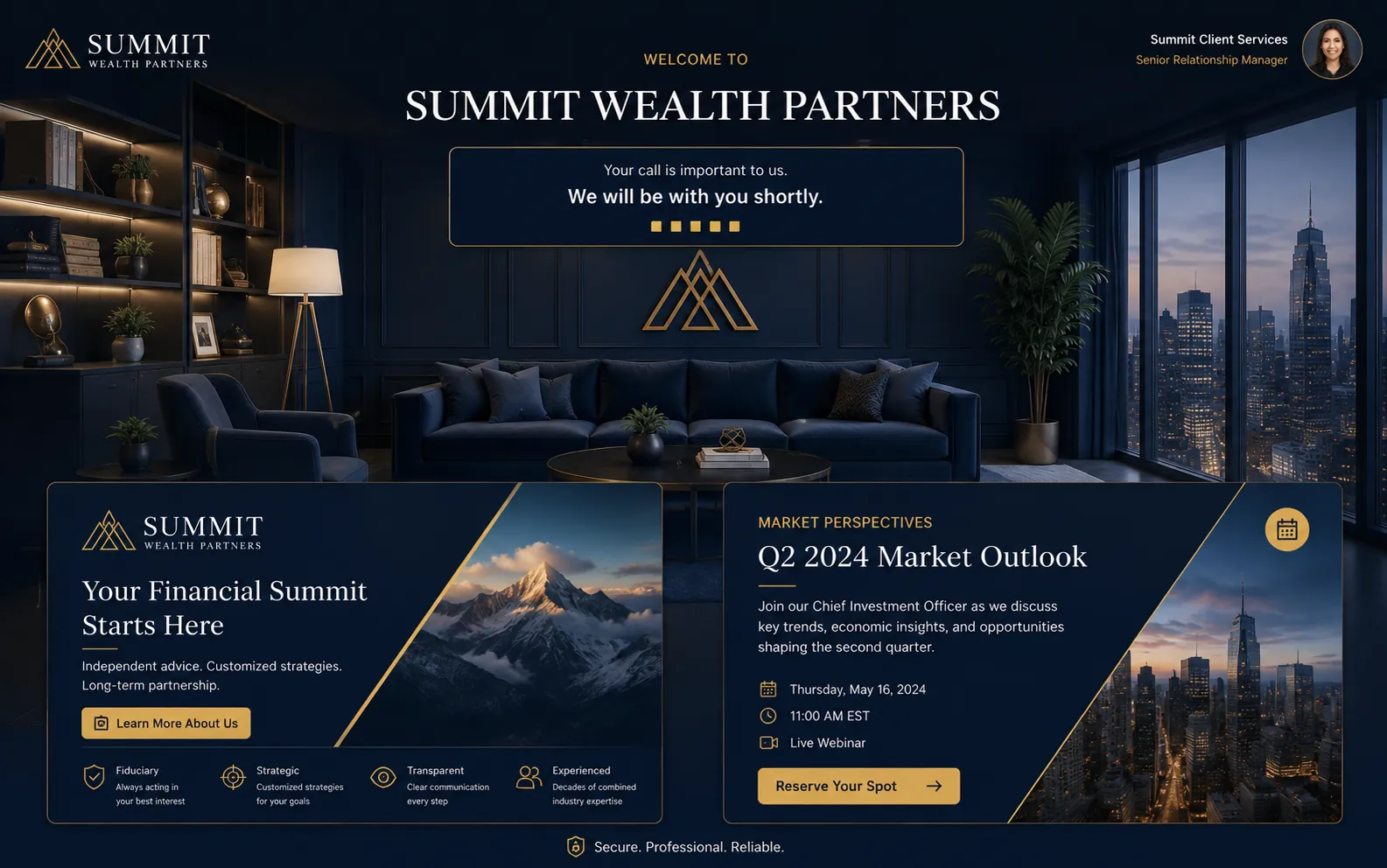
Before a client consultation
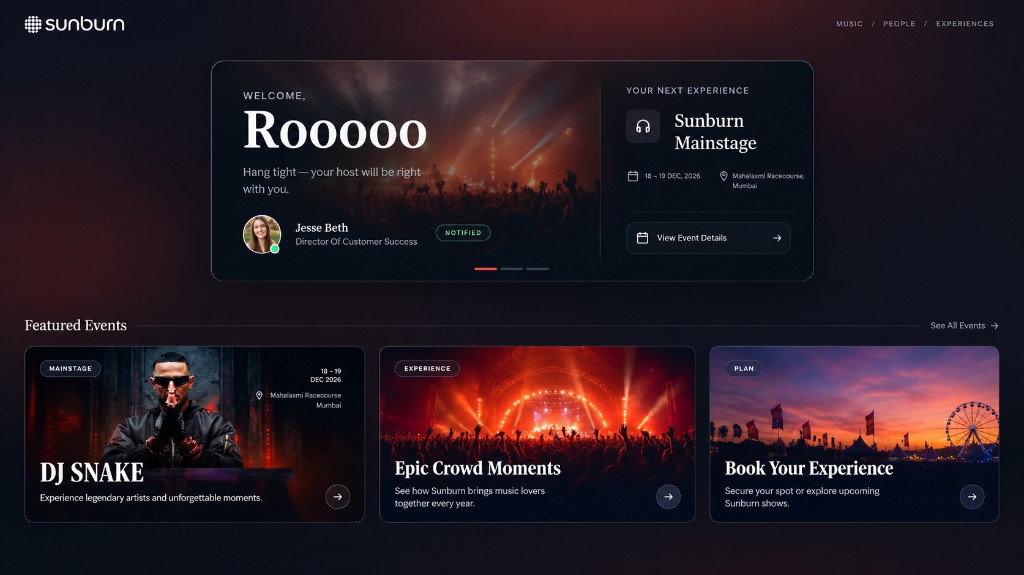
Before the next big event
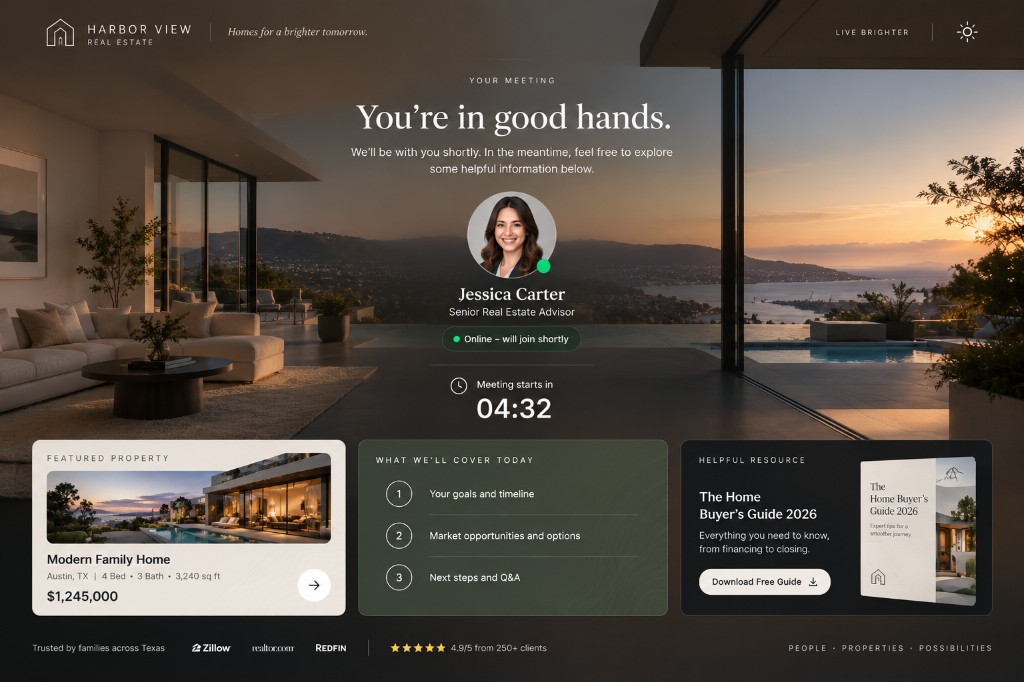
Before a client consultation
These are examples. Mix your own branding, content, and questions for every Lobbi you create.
GOT QUESTIONS?
No. Lobbi handles the welcome and the wait. When you admit your guests, it sends you both to the call: a Google Meet link Lobbi creates for you, or the Zoom or Teams meeting link you added.
Only if you want to. Enter your website and Lobbi’s AI pulls your colors, logo, images, and content into four options. Choose one and customize it, or build from scratch.
Yes. Each Lobbi has a permanent link. Update its branding and content without changing the link you share, and create separate lobbies for different clients, brands, or teams.
Lobbi shows who’s waiting in your dashboard and sends Slack notifications.
Tap “Running late” in Slack or your email notification and the guest hears about it straight away. You can also set the message to appear on its own once a guest has waited as long as you choose.
Two branded waiting rooms, you and one teammate, waiting room design and customization, Google Meet, and Slack notifications.